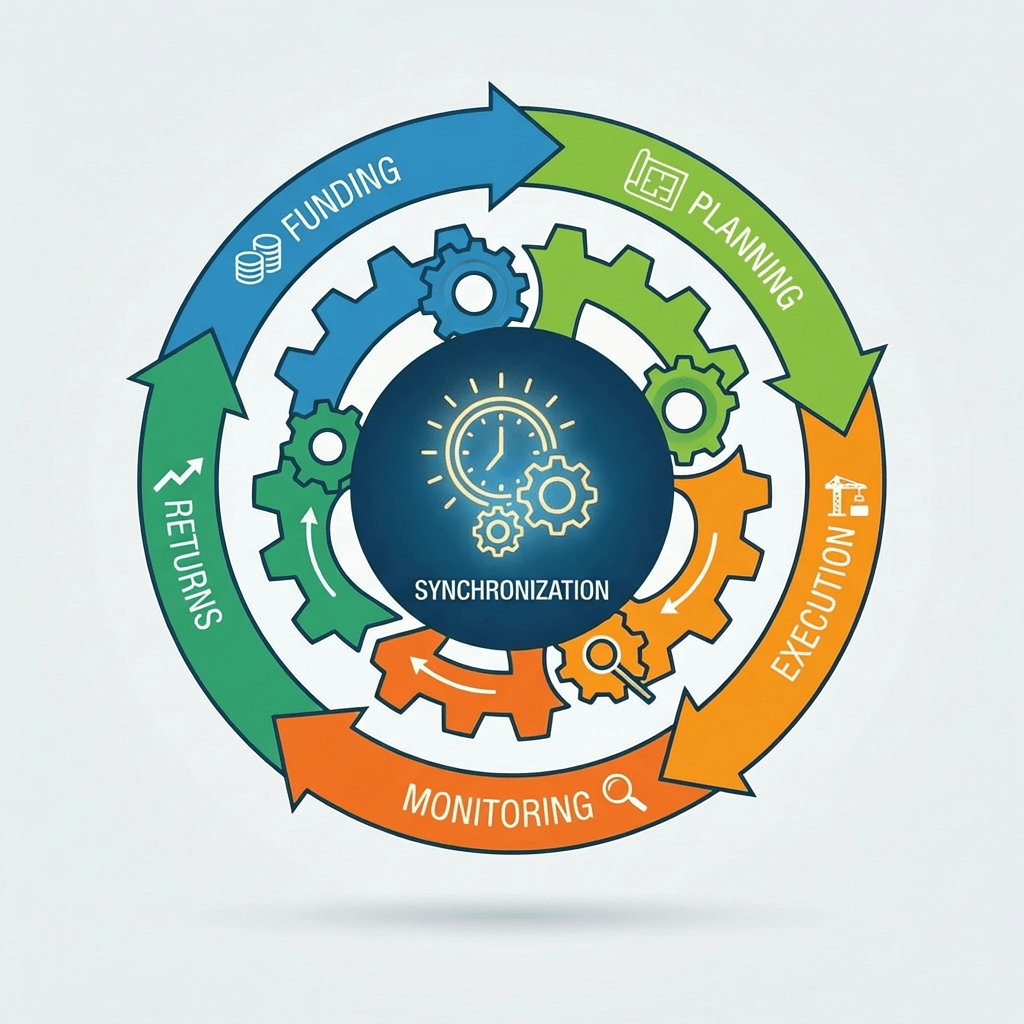
🧩 What Are Investment Projects?
In D365 Finance, Investment Projects are used to manage capital expenditure (CapEx) and internal initiatives that eventually result in:
- Creation of fixed assets
- Capitalisation of costs
- Tracking of work‑in‑progress (WIP)
- Multi‑year internal development or infrastructure projects
These project types have long existed in Finance, but Project Operations did not previously support them, requiring finance teams to manage CapEx projects separately.
Microsoft has now closed this gap.
🌟 What’s New in Project Operations?
Microsoft has added synchronisation and lifecycle support for Investment Projects when ProjOps is deployed in integrated mode with D365 Finance.
Here are the capabilities that are officially supported:
✔️ 1. Create and Manage Investment Projects in ProjOps
Project managers can now create projects in ProjOps using the Investment project type.
These projects sync to D365 Finance with:
- Correct project type
- Ledger integration
- WIP and capitalisation settings
This ensures operational and financial teams work on the same project record.
✔️ 2. Full Integration with D365 Finance Project Accounting
Once synced, the Investment Project behaves exactly as Finance expects:
- Costs accumulate as WIP
- Capitalisation rules apply
- Fixed asset creation can be triggered from Finance
- Depreciation is handled in Finance
ProjOps handles planning and execution, while Finance handles accounting and capitalisation.
✔️ 3. Support for Forecasting, Scheduling, and Task Planning
Investment Projects in ProjOps can use:
- Work breakdown structure (WBS)
- Resource scheduling
- Cost and effort forecasting
- Time and expense entry (if enabled for internal projects)
This gives PMs the same planning tools they use for customer‑facing projects.
✔️ 4. Budget Control and CapEx Governance in Finance
Because the project is an Investment Project in Finance:
- Budget control can be applied
- CapEx approvals follow Finance workflows
- Actuals and commitments flow into financial reporting
This ensures compliance with internal and statutory accounting rules.
🔗 Impact on D365 Finance
The introduction of Investment Project support in ProjOps has several clear, documented benefits for Finance teams.
📌 1. Unified Project Lifecycle
Finance no longer needs to create Investment Projects manually.
ProjOps becomes the single source of project creation, reducing duplication and errors.
📌 2. Accurate Cost Accumulation and Capitalisation
All costs posted through ProjOps (time, expenses, vendor invoices, journals) flow into Finance exactly as they would for any Investment Project.
This ensures:
- Correct WIP tracking
- Accurate asset capitalisation
- Clean audit trails
📌 3. Better Visibility for Both PMs and Finance
Project managers get visibility into:
- Budgets
- Forecasts
- Actual costs
Finance gets visibility into:
- Operational progress
- Remaining work
- Expected capitalisation
This alignment was previously missing.
📌 4. Reduced Customisation and Manual Work
Before this feature, organisations often relied on:
- Custom dual‑write mappings
- Manual project creation
- Excel‑based reconciliation
The new capability eliminates these workarounds.
🏗️ Where This Feature Makes a Real Difference
Investment Project support is especially valuable for industries such as:
- Manufacturing – new production lines, machinery upgrades
- Retail – store refurbishments, POS rollouts
- Professional Services – internal R&D or IP development
- Construction – internal infrastructure projects
- Utilities – long‑term capital improvements
Any organisation with CapEx governance benefits from this unified lifecycle.
🎯 Final Thoughts
The addition of Investment Project support in Dynamics 365 Project Operations is a significant, officially confirmed enhancement that strengthens the integration between ProjOps and D365 Finance.
It delivers:
- A unified project lifecycle
- Stronger financial governance
- Better visibility across teams
- Reduced manual effort
- More accurate CapEx accounting
This is a major step toward making ProjOps a complete operational and financial project management platform.
In my next blog, I will share a step-by-step guide on creating an Investment Project in ProjOps and recording accounting entries in Dynamics 365 Finance.Have a great day.


 Dynamics 365 Finance
Leave a comment